MacBook battery problems are common after years of regular usage. If your MacBook battery drains quickly, shuts down unexpectedly, or shows service warnings, it may be time for a replacement. In this complete guide, you will learn how to identify battery issues, check battery health, understand replacement costs, and safely replace your MacBook battery.
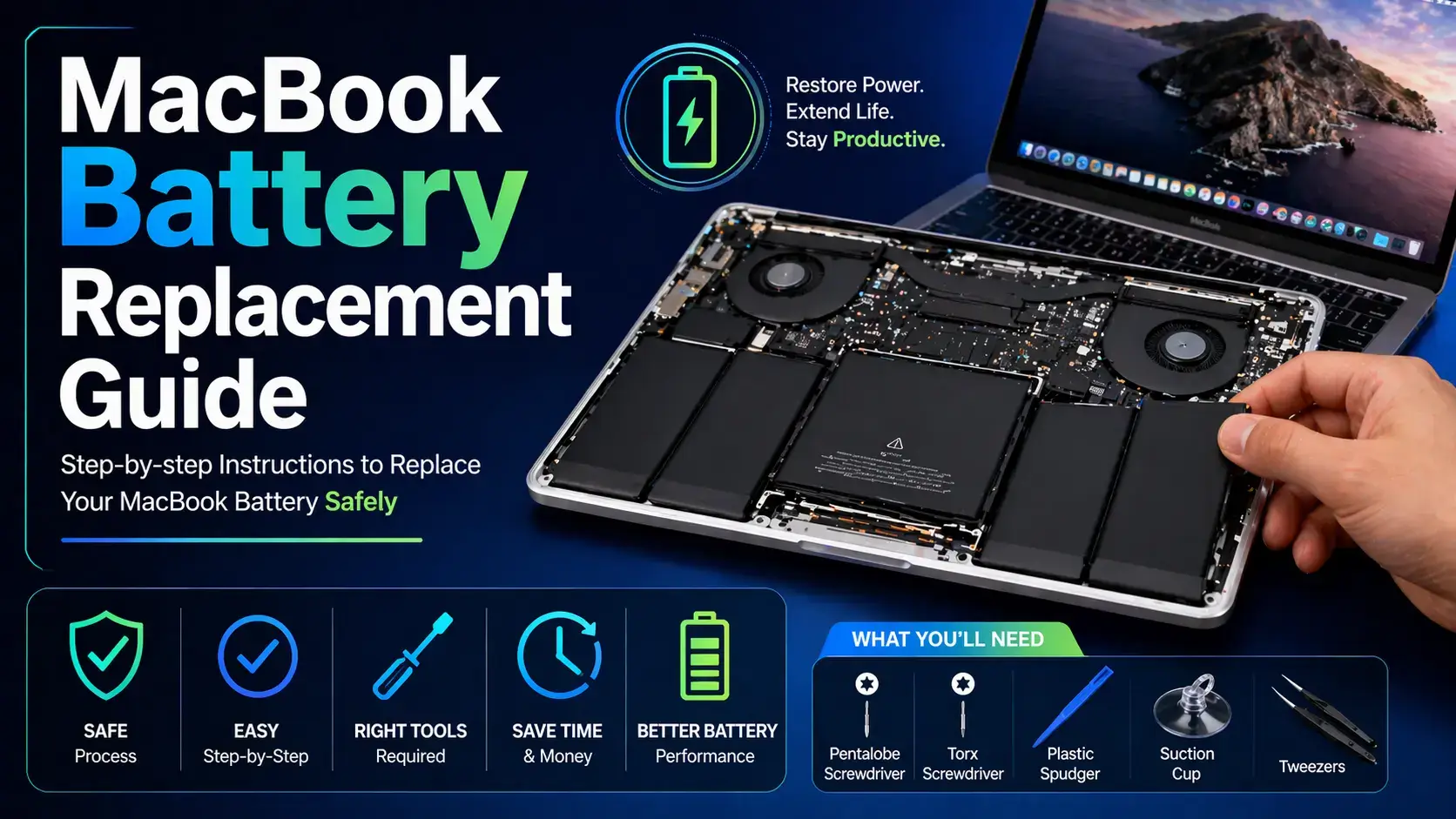
Table of Contents
- Signs of Battery Problems
- How to Check Battery Health
- MacBook Battery Cycle Count
- Battery Replacement Process
- Replacement Cost
- Battery Maintenance Tips
- FAQs
Signs Your MacBook Battery Needs Replacement
A failing battery usually shows warning signs before it completely stops working.
- Battery drains very fast
- MacBook shuts down unexpectedly
- "Service Recommended" warning appears
- Battery percentage jumps suddenly
- MacBook only works while charging
- Battery swelling or trackpad lifting
If you notice any of these issues, replacing the battery quickly can prevent damage to other internal components.
How to Check MacBook Battery Health
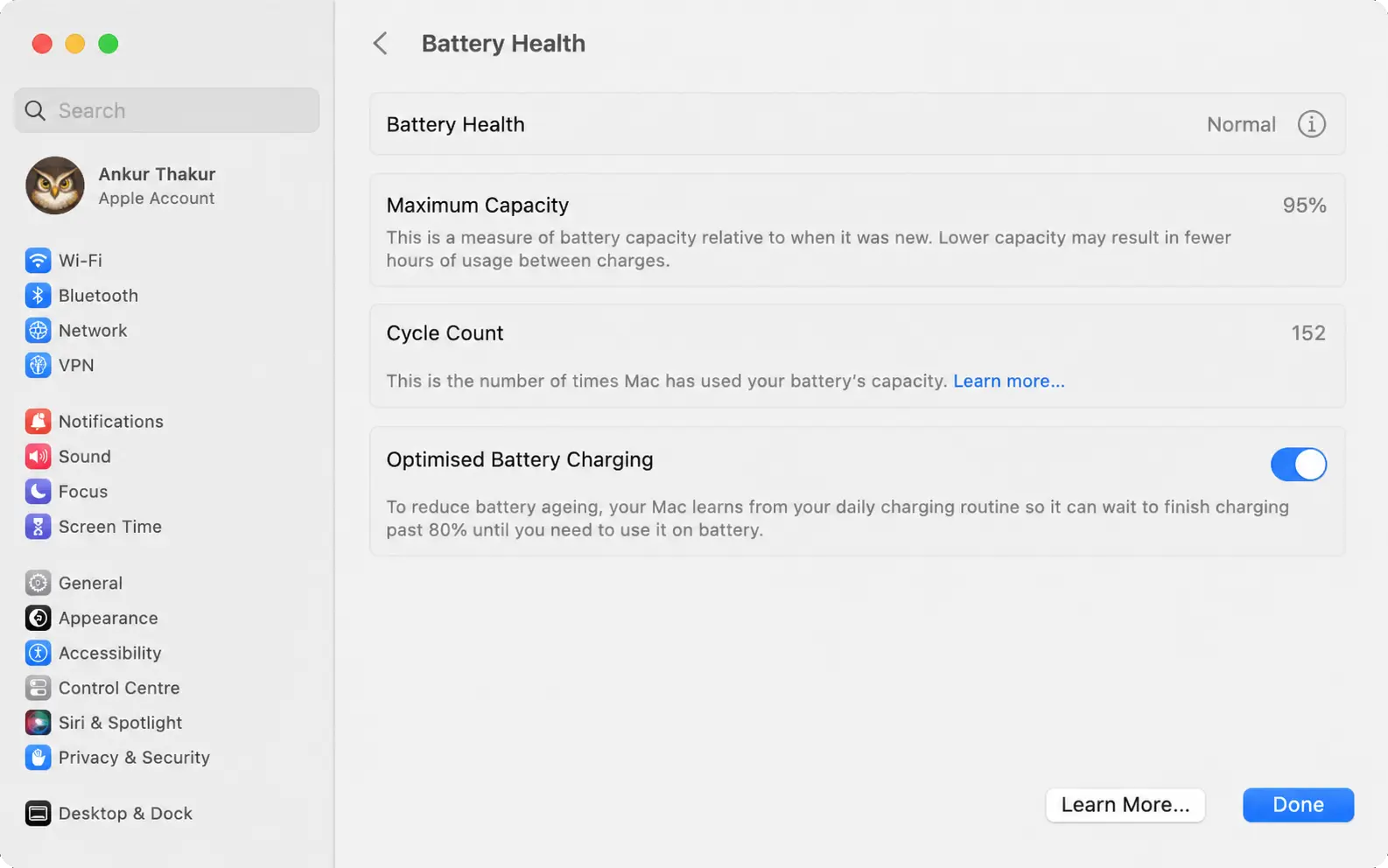
macOS provides a built-in battery health monitoring system.
- Click Apple Menu
- Go to System Settings
- Select Battery
- Open Battery Health
You may see one of these status messages:
- Normal – Battery is healthy
- Service Recommended – Battery replacement advised
What is Battery Cycle Count?
A battery cycle means using 100% of battery power over time. Apple batteries are designed for a limited number of cycles before performance starts decreasing.
Most modern MacBooks support around:
- 1000 battery cycles for newer models
- 300–500 cycles for older models
To check cycle count:
- Hold Option key
- Click Apple Menu
- Select System Information
- Open Power section
MacBook Battery Replacement Process
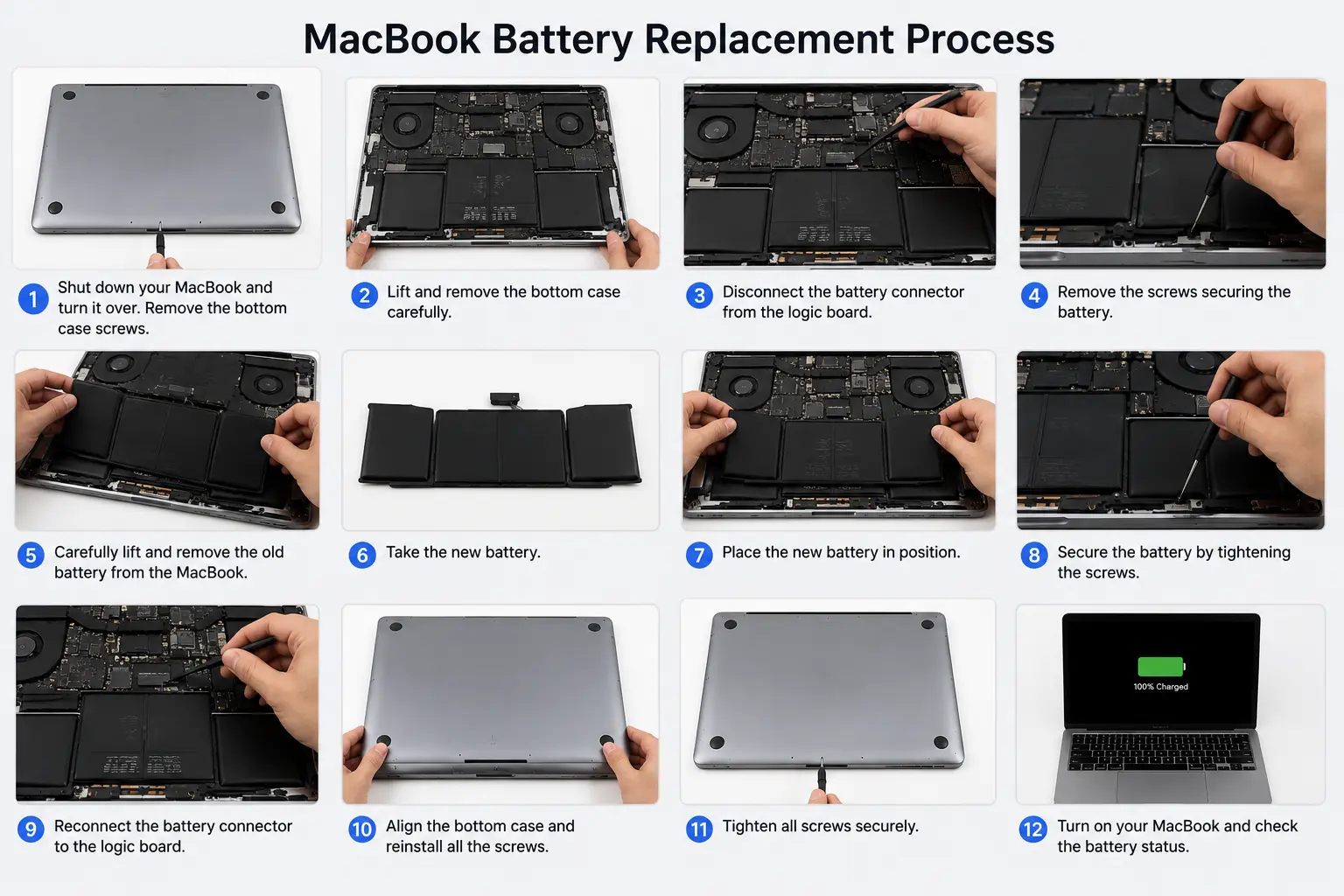
Battery replacement differs based on MacBook model. Some models have removable batteries while newer models use adhesive-mounted batteries.
- Power off the MacBook
- Remove bottom cover
- Disconnect battery connector
- Carefully remove old battery
- Install new battery
- Reconnect and test
Newer Retina MacBooks require extra care because the battery is glued to the chassis. Improper removal may damage the trackpad or motherboard.
MacBook Battery Replacement Cost
The replacement cost depends on your MacBook model and battery type.
- MacBook Air battery replacement: ₹4,000 – ₹9,000
- MacBook Pro battery replacement: ₹6,000 – ₹15,000
- Retina models: Higher cost due to adhesive design
Authorized Apple service centers usually charge more, while professional third-party repair services provide more affordable options.
Tips to Extend MacBook Battery Life
- Avoid excessive heat
- Use original charger
- Do not keep battery at 0% for long periods
- Keep macOS updated
- Enable optimized charging
Proper maintenance can improve battery lifespan and reduce overheating issues.
Professional MacBook Repair in Gurgaon
If your MacBook battery is draining quickly or showing service warnings, IT WORLD THE COMPUTER ITSOLUTION provides professional MacBook battery replacement services in Gurgaon.
Book MacBook RepairFrequently Asked Questions (FAQs)
How long does a MacBook battery last?
Most MacBook batteries last 3–5 years depending on usage.
Can I replace MacBook battery myself?
Older models are easier to replace, but newer Retina models require professional handling.
Is battery swelling dangerous?
Yes, swollen batteries should be replaced immediately.
Does replacing battery improve performance?
Yes, in many cases it improves stability and battery backup.
How much time does replacement take?
Usually 1–2 hours depending on the model.