Gaming laptops continue to become more powerful every year, and 2026 is expected to bring major improvements in graphics performance, cooling technology, display quality, and AI-powered optimization. Modern gaming laptops are no longer limited to gaming only. Many users now use them for video editing, streaming, 3D rendering, and professional workloads because of their powerful CPUs and dedicated GPUs.
In this guide, we explore the best gaming laptop trends in 2026, important hardware features, RTX graphics performance, cooling systems, battery life, and what to consider before buying a gaming laptop.
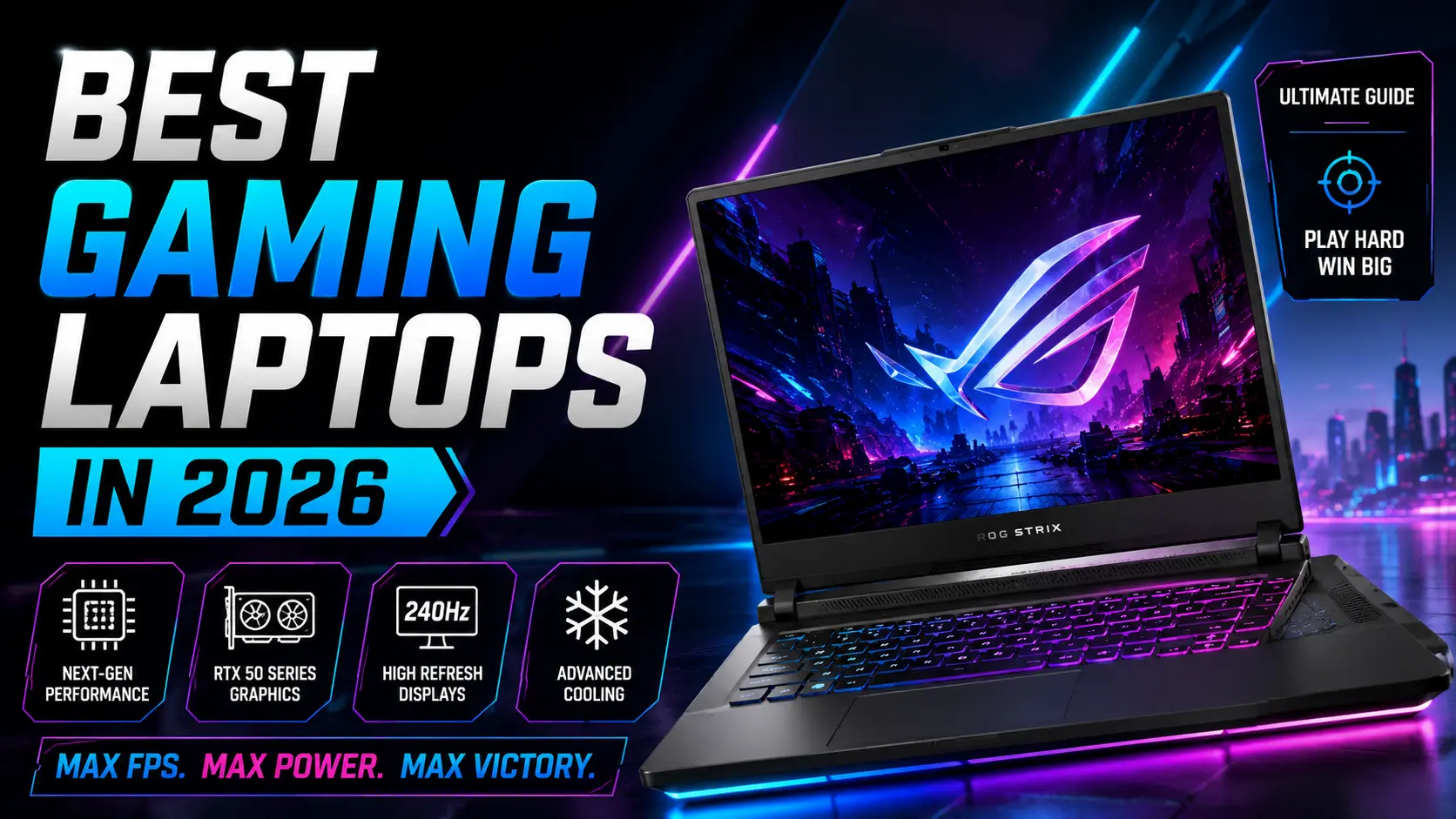
Table of Contents
- Gaming Laptop Trends in 2026
- Best GPU Options for Gaming
- AMD vs Intel Gaming CPUs
- Cooling System Improvements
- Display and Refresh Rate
- Battery Life and Efficiency
- Storage and RAM Recommendations
- Budget vs Premium Gaming Laptops
- What to Check Before Buying
- FAQs
Gaming Laptop Trends in 2026
Gaming laptops are becoming thinner, faster, and more energy efficient. Manufacturers are focusing heavily on AI optimization, advanced cooling systems, and high-performance graphics hardware.
- RTX AI-enhanced graphics
- Higher refresh rate displays
- Faster DDR5 memory
- Improved thermal systems
- Advanced SSD performance
Portable gaming systems are now capable of handling demanding AAA games at high settings while also supporting content creation workloads.
Best GPU Options for Gaming in 2026
Graphics performance remains the most important factor in a gaming laptop. NVIDIA RTX GPUs continue to dominate the gaming laptop market with advanced ray tracing and AI technologies.
| GPU | Best For |
|---|---|
| RTX 4050 | Entry-level gaming |
| RTX 4060 | 1080p high settings |
| RTX 4070 | 1440p gaming |
| RTX 4080 / 4090 | Ultra gaming & creators |
AMD Radeon graphics are also improving and provide strong competition in some gaming laptops.
AMD vs Intel Gaming Processors
Both AMD Ryzen and Intel Core processors offer strong gaming performance in 2026.
- AMD Ryzen: Better efficiency and multitasking
- Intel Core: Strong single-core gaming performance
Modern gaming laptops now use hybrid architectures and AI-assisted performance tuning for better gaming stability.
Cooling System Improvements
Heat management is extremely important for gaming laptops. High-performance GPUs and CPUs generate significant heat during gaming sessions.
New cooling technologies include:
- Vapor chamber cooling
- Liquid metal thermal compounds
- Dual-fan cooling systems
- AI-controlled fan management
Better cooling helps maintain stable FPS and improves hardware lifespan.
Display Quality and Refresh Rates
Modern gaming laptops now offer high refresh rate displays for smoother gameplay.
| Refresh Rate | Gaming Experience |
|---|---|
| 120Hz | Good casual gaming |
| 144Hz | Smooth competitive gaming |
| 240Hz+ | Professional esports gaming |
Many premium gaming laptops also feature QHD displays and better color accuracy for creators.
Battery Life and Efficiency
Battery life has traditionally been a weakness for gaming laptops, but efficiency improvements are helping newer systems last longer.
- AI battery optimization
- Advanced power management
- Hybrid GPU switching
- Efficient processors
However, high-end gaming still requires external power for maximum performance.
Recommended RAM and Storage
Gaming performance also depends on RAM and SSD speed.
| Component | Recommended |
|---|---|
| RAM | 16GB minimum |
| Storage | 512GB NVMe SSD |
| Advanced Setup | 32GB RAM + 1TB SSD |
Budget vs Premium Gaming Laptops
Budget gaming laptops focus on 1080p gaming, while premium models target high refresh rate QHD or 4K gaming.
- Budget range: RTX 4050 / 4060
- Mid-range: RTX 4070
- Premium: RTX 4080 / 4090
Choosing the right laptop depends on your gaming needs and budget.
What to Check Before Buying a Gaming Laptop
- GPU performance
- Cooling quality
- Display refresh rate
- Upgrade options
- Battery performance
- Build quality
It is also important to check serviceability and thermal performance before purchasing.
Gaming Laptop Upgrade and Repair Services in Gurgaon
IT WORLD THE COMPUTER ITSOLUTION provides gaming laptop upgrades, SSD installation, RAM upgrades, thermal cleaning, and repair services in Gurgaon.
Get Gaming Laptop SupportFrequently Asked Questions (FAQs)
Which GPU is best for gaming in 2026?
RTX 4070 and above are expected to provide excellent gaming performance.
Is 16GB RAM enough for gaming?
Yes, 16GB is considered the standard for modern gaming.
Are gaming laptops good for video editing?
Yes, gaming laptops are powerful enough for editing and creative workloads.
Do gaming laptops overheat?
High-performance laptops generate heat, but modern cooling systems help manage temperatures.
Should I choose AMD or Intel for gaming?
Both provide strong gaming performance depending on your budget and requirements.